Free · No signup · 100% in your browser
Font Generator: Copy & Paste 100+ Fancy Text Fonts
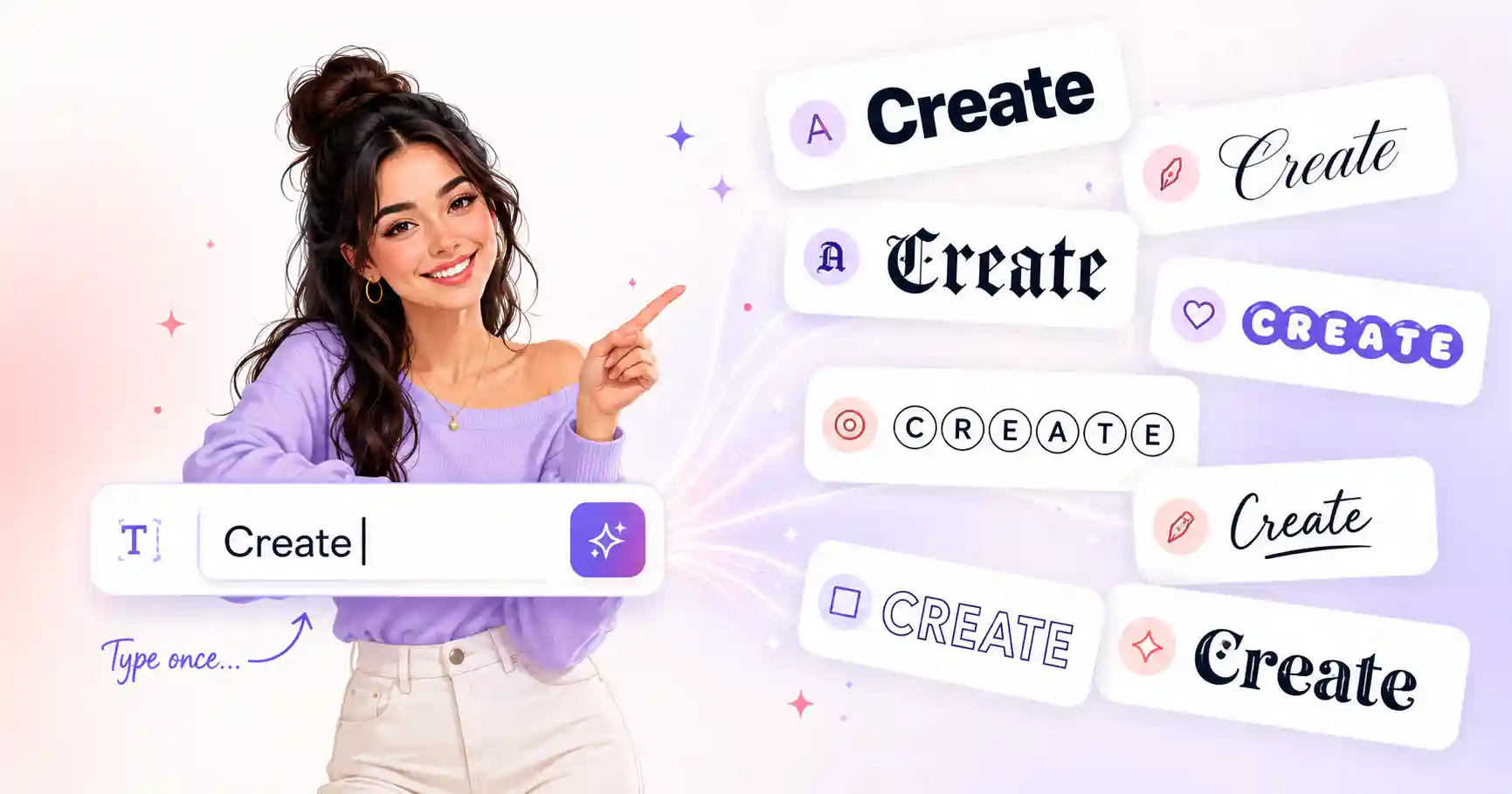
Type once and instantly get dozens of stylish fonts (cursive, bold, gothic, bubble, glitch and more), ready to copy into Instagram, TikTok, Discord, Facebook and beyond.
Tap Copy next to any style. Nothing you type is stored or sent anywhere.
What is a font generator?
A font generator transforms ordinary text into eye-catching styles you can paste almost anywhere. Instead of installing a typeface, it swaps each letter for a Unicode character that already looks bold, italic, cursive or decorated. Because the styling lives inside the characters, the result keeps its look when you paste it into a social bio, a username, a caption or a chat, even places that normally don't let you change the font at all.
Everything runs locally in your browser. There's no account to create, no limit on how much you convert, and the text you type never leaves your device.
How to use it: 3 simple steps
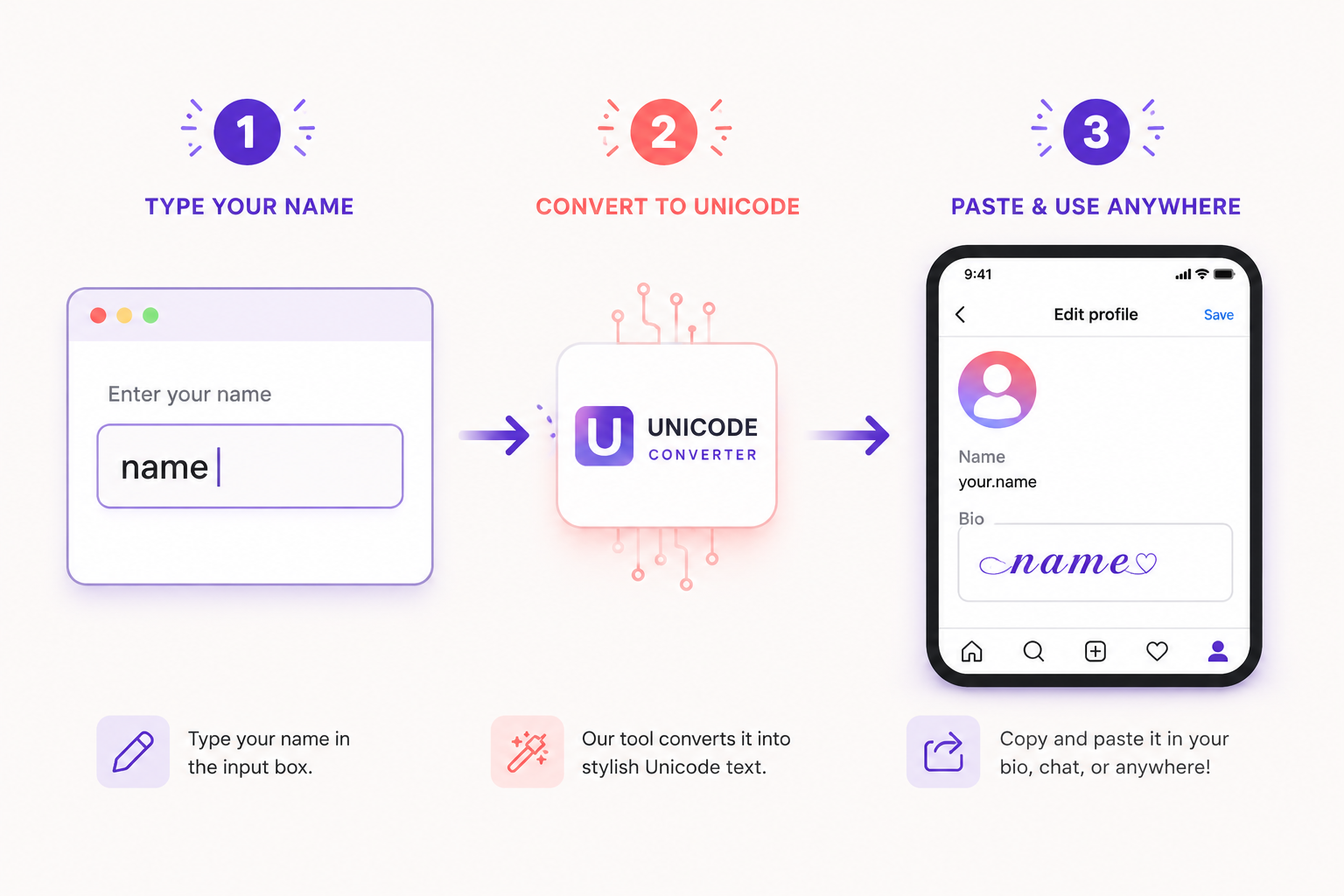
1. Type your text
Enter any word, name or sentence in the box above. The previews update as you type.
2. Pick a style
Scroll the live results and find the look you love, from elegant cursive to chaotic glitch.
3. Copy & paste
Tap Copy and paste it into Instagram, TikTok, Discord or wherever you need it.
Most popular font styles
Each style below has its own dedicated generator with extra options and tips.
Where you can use these fonts
The styles work across most major platforms. Pick a platform-specific guide for formatting tips and compatibility notes:
About This Tool
Font Generator World started with a simple annoyance: you type something you actually care about — a bio, a gamer tag, a caption — and it just looks like everyone else's. This tool fixes that in seconds. Type your text once and it instantly appears in 100+ copy-and-paste styles: flowing cursive, dramatic gothic and Old English, punchy bold, playful bubble letters, soft aesthetic looks and plenty of weirder ones like zalgo glitch text.
Why the way your text looks actually matters
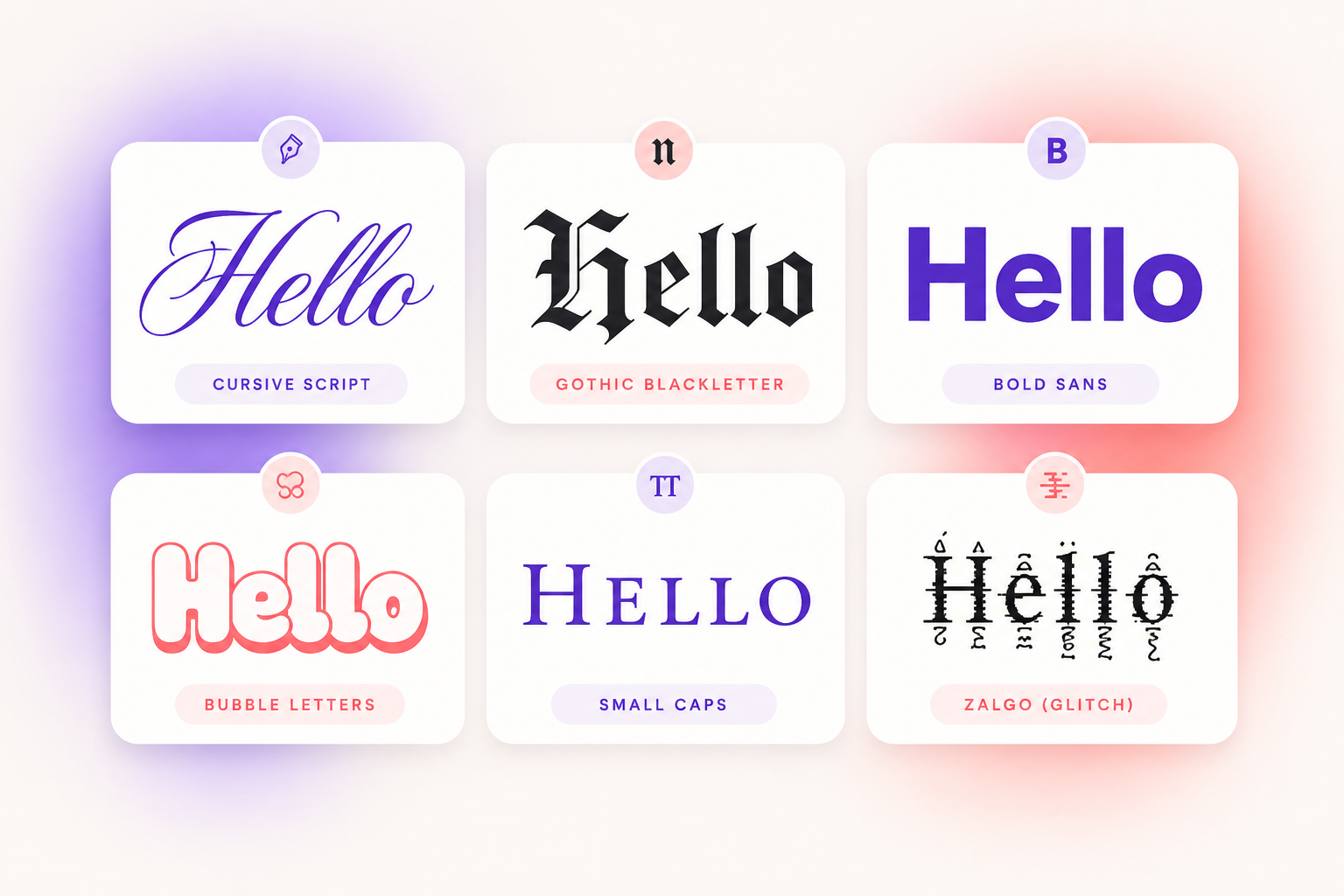
Ever typed something and felt it just… falls flat? Fonts aren't just letters — they carry mood. A cursive script makes a wedding caption feel romantic; heavy blackletter gives a gamer tag a serious edge; tiny small-caps add a minimalist touch to a long bio. In a feed where everyone's text looks identical, those small details are what make people stop scrolling. That's the whole point of this tool: no design skills, no downloads, no logins — just type, pick a style you love, and paste it wherever you want, from an Instagram bio to a Roblox username.
How it works under the hood
A common surprise: this doesn't create installable font files. When you type, the tool swaps each letter for a Unicode character that already looks styled — 𝓁𝒾𝓀𝑒 𝓉𝒽𝒾𝓈. Because the look lives inside the characters themselves, it works in usernames, captions, comments and chats. The trade-off is that a few styles can render differently on older devices, which is why we always show several alternatives — if one style shows boxes, the next one usually won't. Curious about the details? We wrote a plain-English guide: Unicode fonts explained.
Who uses it (and what for)
- Social creators — stand-out bios and captions on TikTok, Instagram and X.
- Gamers — distinctive nicknames for PUBG, Free Fire and Discord servers.
- Designers & the ink-curious — previewing lettering ideas with the tattoo font generator or calligraphy styles before committing.
- Anyone bored of plain text — messages, notes, headers, event invites.
Whatever you searched to get here — font changer, font maker, text style generator, fancy letters — it all lands in the same place: a fast, free tool that runs entirely in your browser, stores nothing you type, and works the same on phone and desktop.
Best font styles you can try (live previews)
Feeling overwhelmed by choice? Here's the honest tour of our most-copied style families — what each one feels like, and where it tends to shine. Every card links to a dedicated generator with more variants and platform tips.
Cursive & Script
𝒮𝒸𝓇𝒾𝓅𝓉
Elegance and personality. Perfect for romantic bios, heartfelt captions and wedding posts — like beautiful handwriting, digitally rendered.
Gothic & Old English
𝔊𝔬𝔱𝔥𝔦𝔠
Medieval flair with an artistic edge. Bold, dramatic characters for gamer tags, tattoo ideas and anything dark-but-sophisticated.
Bold, Italic & Underline
𝗕𝗼𝗹𝗱
Instant emphasis for headlines and important lines — especially on platforms that don't have a formatting button at all.
Bubble, Cute & Aesthetic
Ⓑⓤⓑⓑⓛⓔ
Fun and charm for captions, story headers and soft-vibe profiles. Visually engaging and very trend-forward.
Weird, Freaky & Zalgo
Z̸a̶l̷g̴o̸
Warp reality with glitchy distortion. A favourite for horror memes, edgy statuses and experimental typography.
Graffiti & Tattoo
𝕿𝖆𝖙𝖙𝖔𝖔
Urban edge and ink-ready lettering — great for digital art, previewing tattoo phrases and branding that breaks the mold.
Vaporwave & Retro
Retro
Full-width, spaced-out letters straight from the 80s-internet aesthetic. Nostalgic flair for music and art accounts.
Tiny & Small Caps
ꜱᴍᴀʟʟ ᴄᴀᴘꜱ
Subtle flair for side notes, taglines and clean hierarchy in long bios. The minimalist's secret weapon.
Why these styles matter
Because all of our styles are Unicode based, they paste seamlessly across Instagram, Discord, Facebook, TikTok and most games — no lost formatting, no glitches on supported devices. And since every style comes from the same box, you get real creative freedom: mix a bold header with a cute bubble subtitle, or a cursive name over small-caps descriptors, and craft a look that's actually yours.
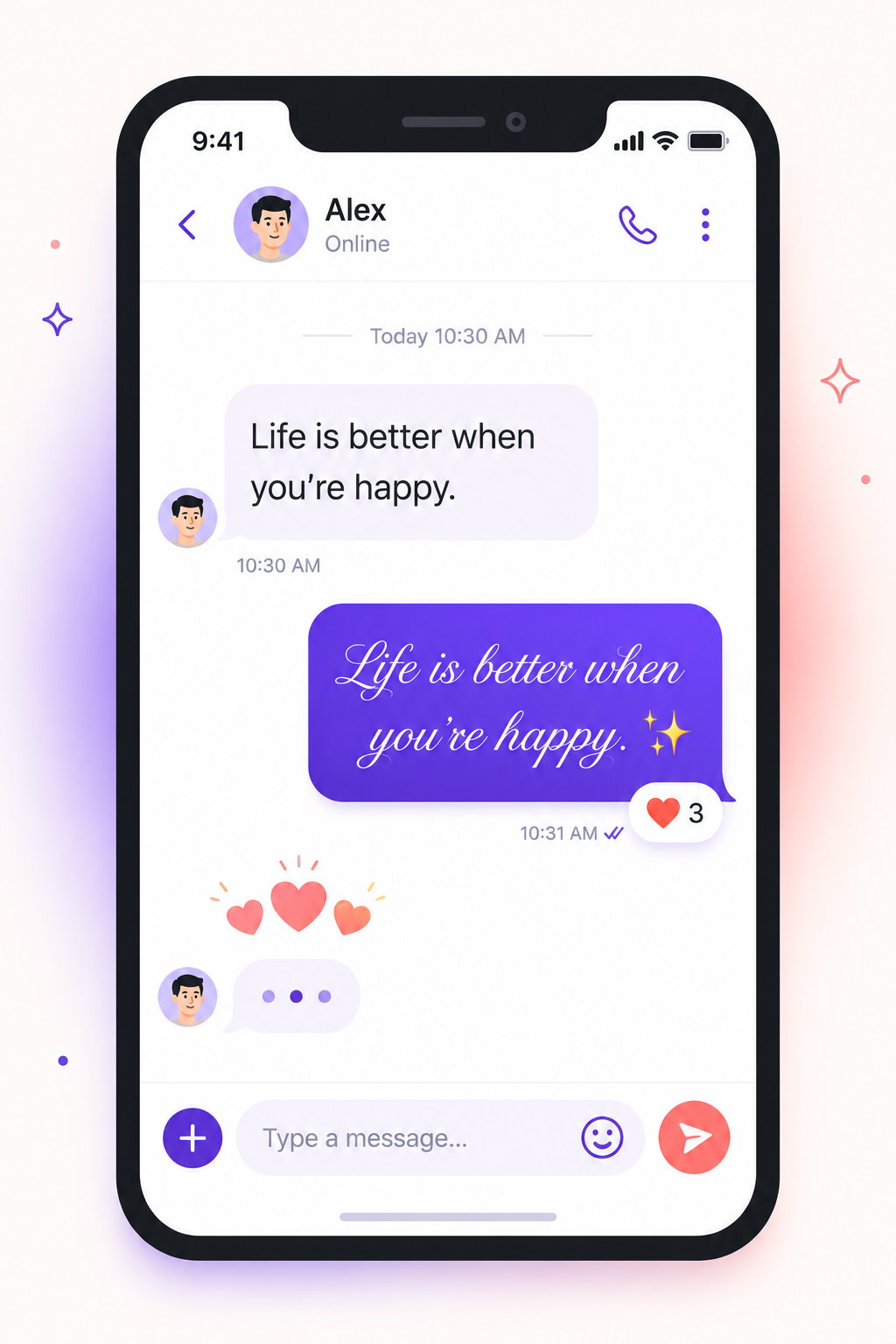
Why people use fancy fonts
- Make bios, usernames and captions stand out in a crowded feed
- Add personality to social posts, statuses and messages
- Preview lettering for tattoos, logos and headers before committing
- Create eye-catching gaming names and profile text
- Get bold and italic on platforms that don't offer formatting buttons
Unicode text vs. real fonts vs. AI text effects
People mean three different things when they say "font generator", and it's worth knowing which one you actually need:
| Type | What it is | Best for |
|---|---|---|
| Unicode text (this site) | Standard characters that already look styled — they travel with your text | Bios, usernames, captions, chats — anywhere you can only paste text |
| Real font files (TTF/OTF) | Installable typefaces from libraries like Google Fonts | Design work, documents, websites, print |
| AI text effects | Generated images of decorated words | Thumbnails and graphics — but it's a picture, so you can't paste it as text |
The short version: if you want styling that survives being pasted into an app, Unicode is the only option — which is exactly what this font generator produces. For the full explanation, read Unicode fonts explained or our plain-English comparison of fonts vs Unicode characters.
Fonts by platform: where to use them
Every platform treats styled text a little differently. Here's the field guide, from someone who has pasted a lot of weird characters into a lot of apps:
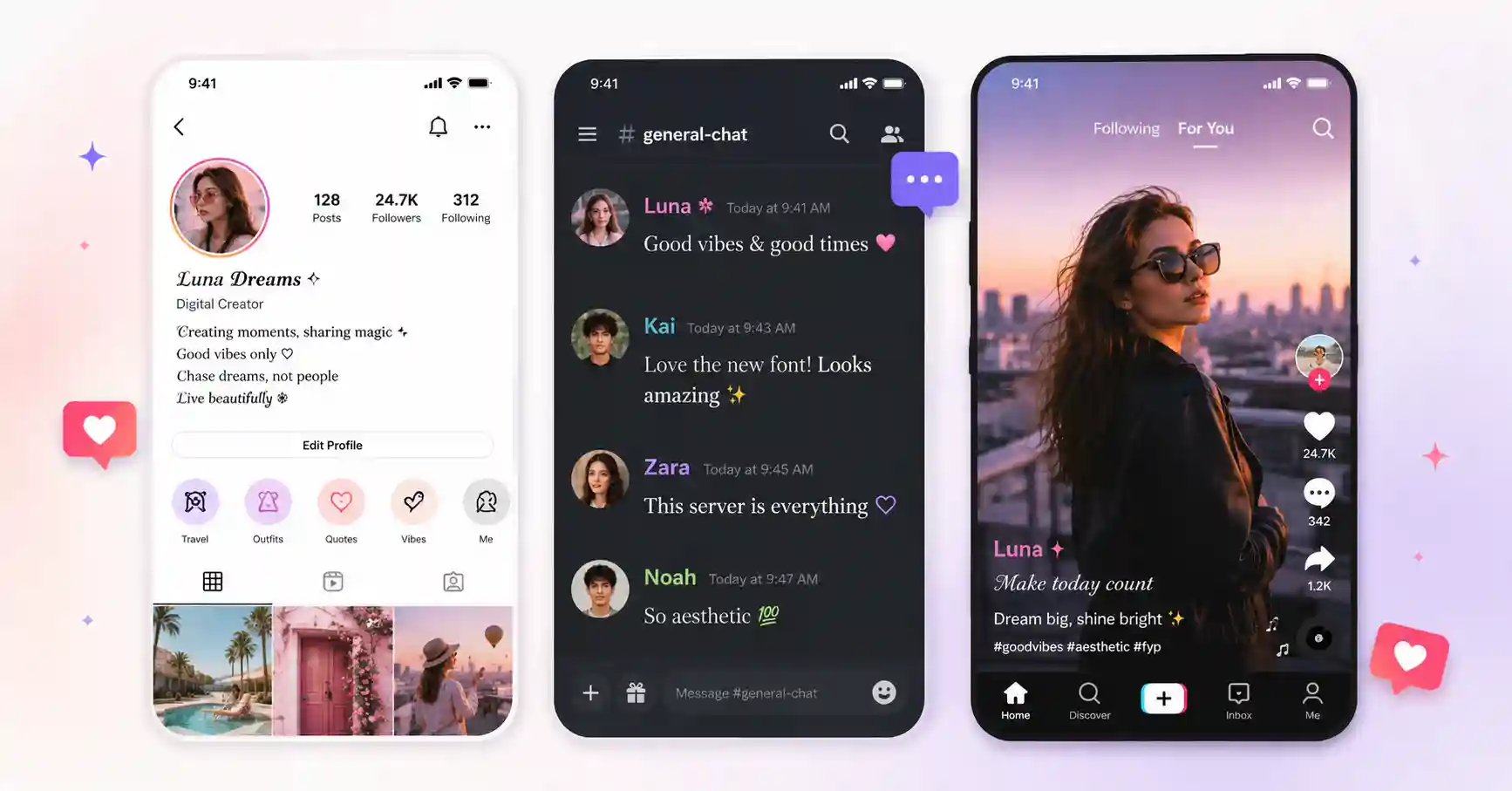
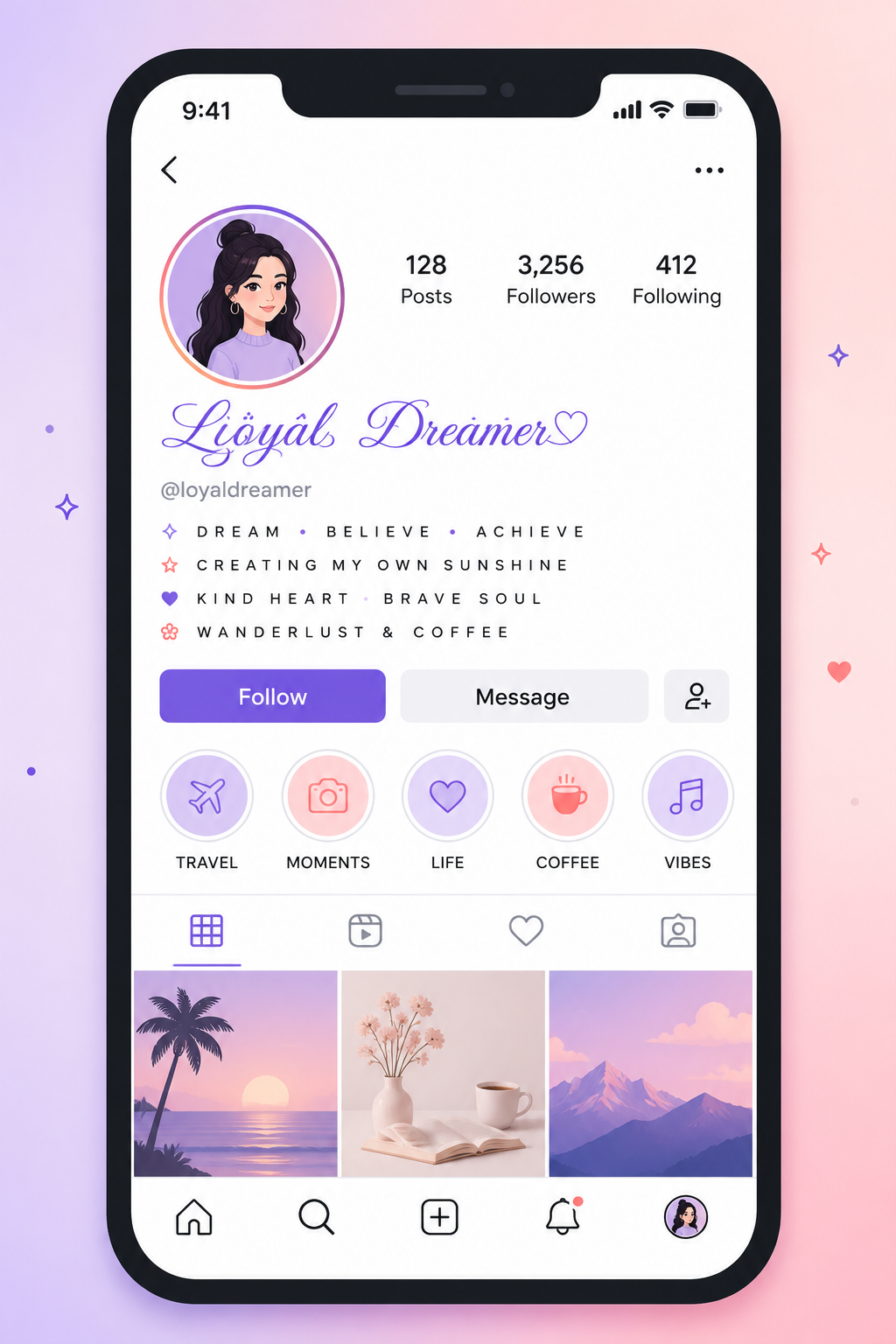
The classic use case. Cursive names, small-caps bio lines and bold captions all render beautifully. Usernames (@handles) stay plain — the styling goes in your display name and bio. Start with our Instagram bio font guide if you want the exact layouts people use.
Discord
Markdown covers messages, but Unicode styles reach the places markdown can't: usernames, server names and channel titles. Gothic blackletter for dark servers, vaporwave for chill ones — details in our Discord fonts guide.
TikTok
Nicknames and bios take styled text freely, and the playful styles — bubble, aesthetic small caps — fit the platform's energy best. Keep nicknames short; styled characters are wider than they look.
Facebook & X (Twitter)
Neither gives you a formatting toolbar, which is exactly why bold Unicode text is so useful there. On X, a full-width vaporwave display name is a timeline classic; strikethrough jokes are a genre of their own.
WhatsApp & YouTube
Cursive status lines, styled group names, channel names and pinned comments that pop in a wall of search results. Both render most styles well on modern phones.
Gaming: PUBG, Free Fire & Roblox
Each game has its own filter rules — Free Fire is famously permissive, Roblox famously strict. Our dedicated name generators cover what survives in each — now including Fortnite, Minecraft, Valorant and CODM — and the gaming fonts hub compares every game's rules, with the gaming fonts guide ranking the styles themselves.
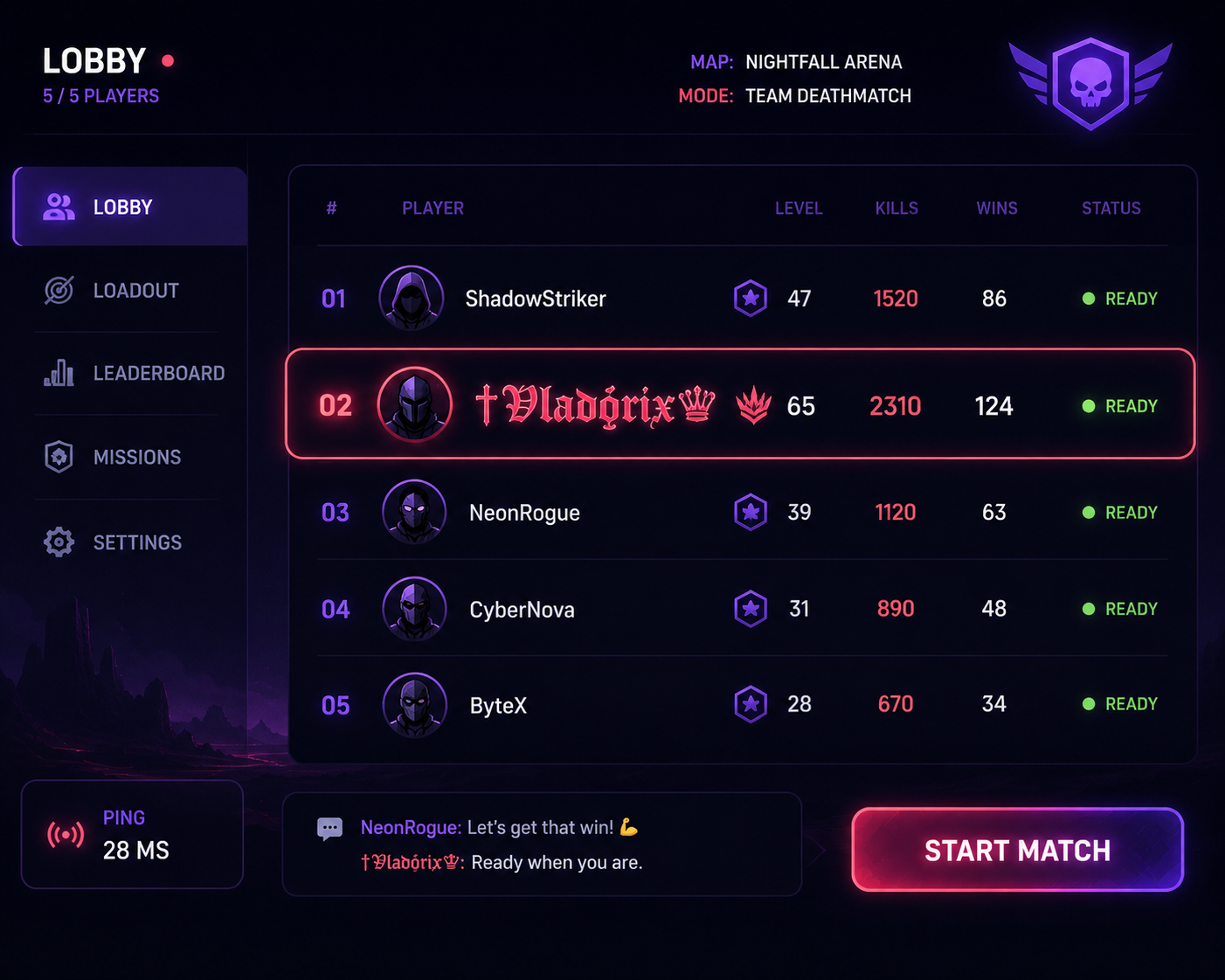
Popular font styles for usernames, bios and online profiles
If you only style one thing, style your name — it follows you into every comment, group chat and lobby. The reliable picks: cursive for warmth, bold for clarity, blackletter for edge, and small caps when you want understated. For bios, the two-style rule keeps things classy: one style for your name line, a second for everything else, plenty of whitespace between.
Creative uses beyond social media
Fancy text escaped social media a long time ago. Some of the ways people quietly use this tool every day:
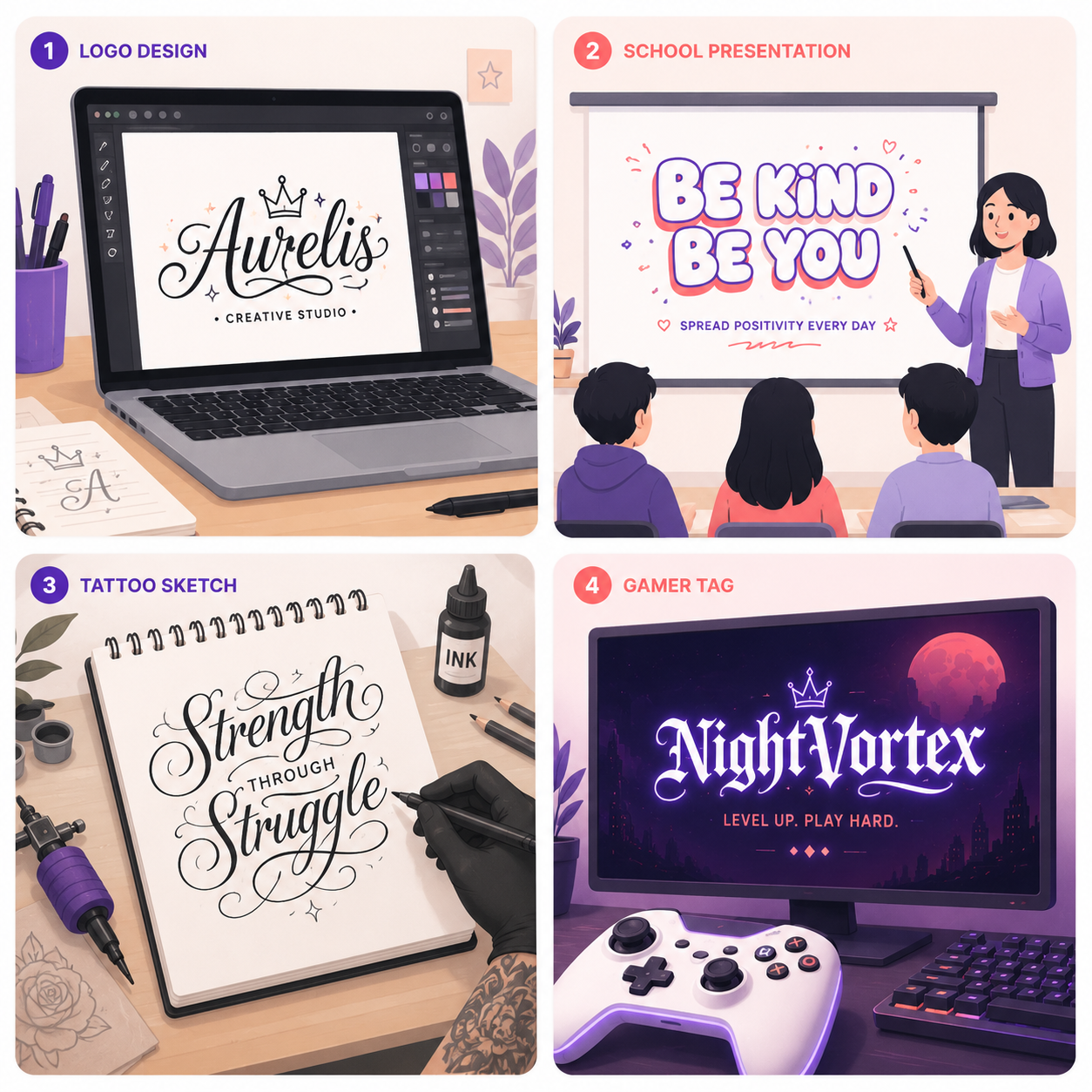
- Branding & business — quick logo lettering drafts, styled product names in listings, and stand-out headlines on marketplaces that only accept plain text.
- Education & fun — project titles, presentation headers and posters that don't look like the default template. A bold or bubble title in a school slide costs nothing and reads as effort.
- Tattoo & calligraphy previews — trying your exact phrase in script and blackletter before a consultation. Our tattoo lettering guide walks through the process.
- Memes & chaos — upside-down replies, cursed zalgo captions and strikethrough jokes. Some of the internet's best low-effort humour is just Unicode misused with confidence.
- Gaming communities — matching styled names across the game, the Discord server and the YouTube channel. Free, instant branding.
Accessibility and compatibility tips
Two honest caveats, because we'd rather you know them up front:
Rendering varies. Modern iPhones and Androids display nearly every style, but older devices and some apps show boxes for rarer characters. Safest styles are bold, italic and small caps; test fancier ones with a comment before committing your bio. The full explanation is in why fancy fonts don't work everywhere.
Screen readers struggle with styled text. Some read 𝓯𝓪𝓷𝓬𝔂 letters one by one or skip them entirely. Use styled text for names and short flair, keep essential information in plain text, and everyone gets to read your profile.
Learn more about fonts, Unicode and stylish text
We write practical, no-fluff guides to go with the tools. A few good starting points:
Copy & paste guide
The full process, plus fixes for every common problem.
Instagram bio fonts
The styles and layouts that actually look good in 2026.
Fonts vs Unicode
What a "font generator" really generates — and why it matters.
Gaming fonts
What each game allows, from Free Fire to Roblox.
Zalgo explained
How cursed text works under the hood.
Aesthetic bio ideas
25+ copy-ready layouts and font pairings.
Final thoughts: your creative shortcut
You don't need design skills, software or an account to make your words look like you meant them. Type once in the box at the top of this page, copy the style that feels right, and paste it wherever your text lives. If a style ever misbehaves on some app, come back and grab the next one — there are a hundred more where it came from. That's the whole tool: small, fast, free, and quietly useful every time you want your text to carry a bit more of you.
Frequently asked questions
What is a font generator?
Are these real fonts?
Is the font generator free?
How do I copy and paste the fonts?
Will the fonts work on Instagram, TikTok and Discord?
Why do some fonts not show up on certain apps?
Do you store the text I type?
Can I use the generated fonts commercially?
Every social platform, one hub
Beyond the individual tools above, the social media fonts hub compares all fifteen platforms — Instagram, TikTok, Telegram, Twitch, Reddit, LinkedIn and more — in one table: which fields take fancy text, which stay plain, and which generator to use for each. Gamers get the same treatment at the gaming fonts hub.