Bold · Bold Italic · Bold Sans · Bold Script
Bold Text Generator
Turn plain words into strong bold and bold italic text you can copy and paste into Instagram, TikTok, Discord and more. Free, instant, right in your browser. Want every style at once? Use the all-in-one font generator.
Tap Copy next to any bold style. Nothing you type is stored or sent anywhere.
What is a bold text generator?
A bold text generator converts ordinary letters into heavy, high-impact characters. Rather than changing any app setting, it swaps each character for a Unicode lookalike that is already bold. Because the weight lives inside the characters, your bold text keeps its look when you paste it into a bio, a caption, a post or a message that normally allows only plain text.
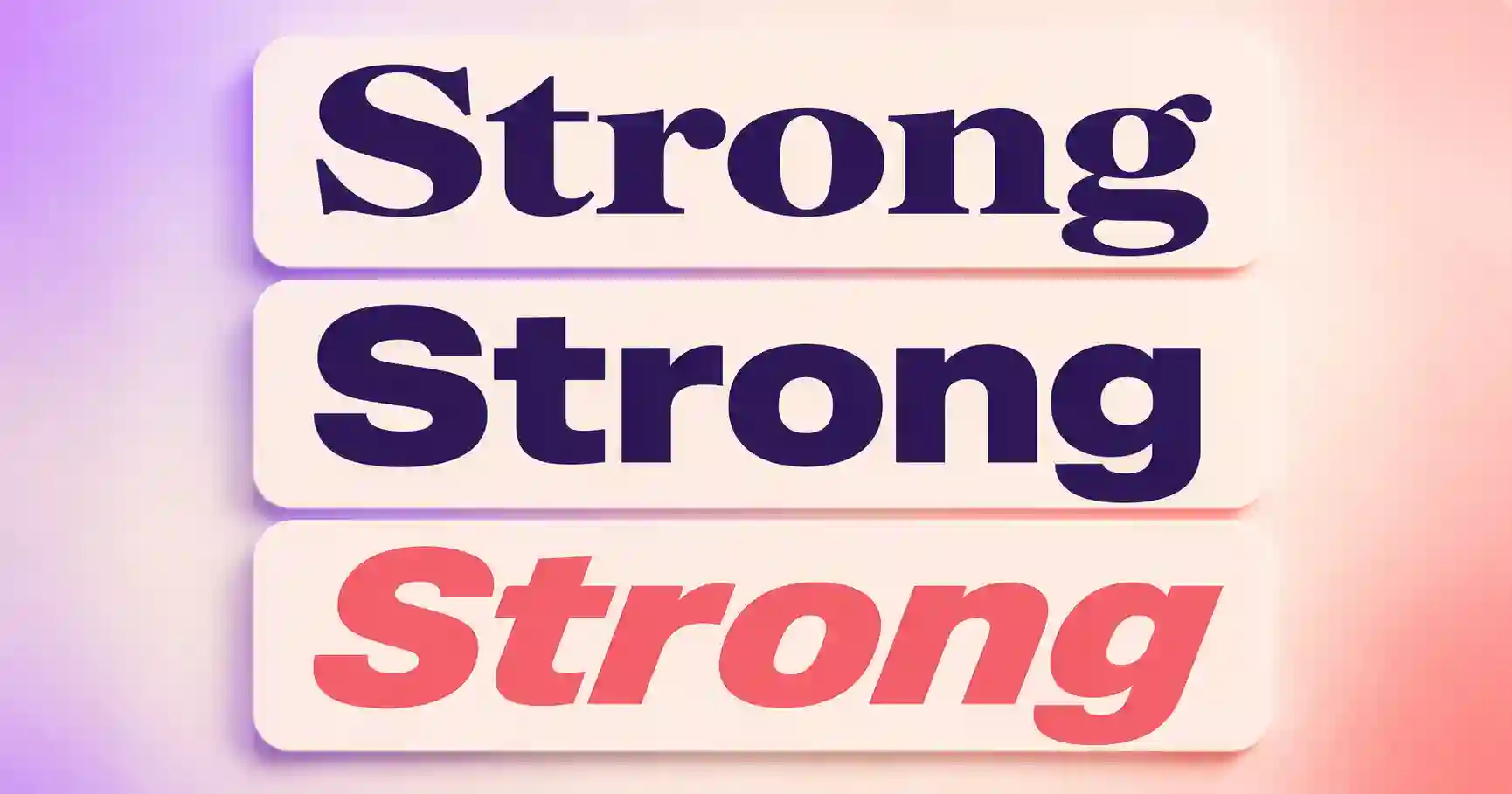
You get a classic bold serif, a modern bold sans, a slanted bold italic, and a softer bold script. It also makes plain italic text, so it works as an italic generator too. Try the same word in each to find the best fit.
How to make bold text in 3 steps
1. Type your text
Enter a name, word or phrase. Previews update as you type.
2. Choose a style
Compare bold serif, bold sans, bold italic and bold script.
3. Copy & paste
Tap Copy and place it wherever you want an elegant touch.
Where to use bold text
- Instagram, to make bios and captions stand out. See the Instagram font guide.
- Discord, for bold usernames, channel names and announcements.
- Facebook and X (Twitter), to emphasize posts and headlines.
- Headings and key points, anywhere plain formatting is not allowed.
Related font generators
Ready-to-copy bold text examples
A range of bold styles, generated live, for headers, names and emphasis:
These are static samples. Type your own word in the box above to generate fresh styles you can copy in one tap.
Bold text FAQ
What is a bold text generator?
How do I copy and paste bold text?
Does this also make bold italic and italic text?
Why does my bold text show as normal in some apps?
Is the bold text generator free?
Where to go next
Bold text is the workhorse of stylish typography — it makes headlines pop on platforms that don't offer a bold button, like X (Twitter) and Instagram captions. If you want emphasis with more personality, try bold cursive, or go the opposite direction with understated small caps for footnotes and side comments. Combining a bold header with a lighter style underneath is one of the easiest bio layouts — the all-in-one fancy text generator makes it simple to mix and match.