Roblox · Display Name · Chat · Groups
Roblox Font Generator (Copy & Paste)
Build a cooler Roblox identity with stylish copy-paste fonts for your display name, group and game text, free and instant. Want the full catalogue? Use the main font generator.
Tap Copy next to any style. Nothing you type is stored or sent anywhere.
What is a Roblox font generator?
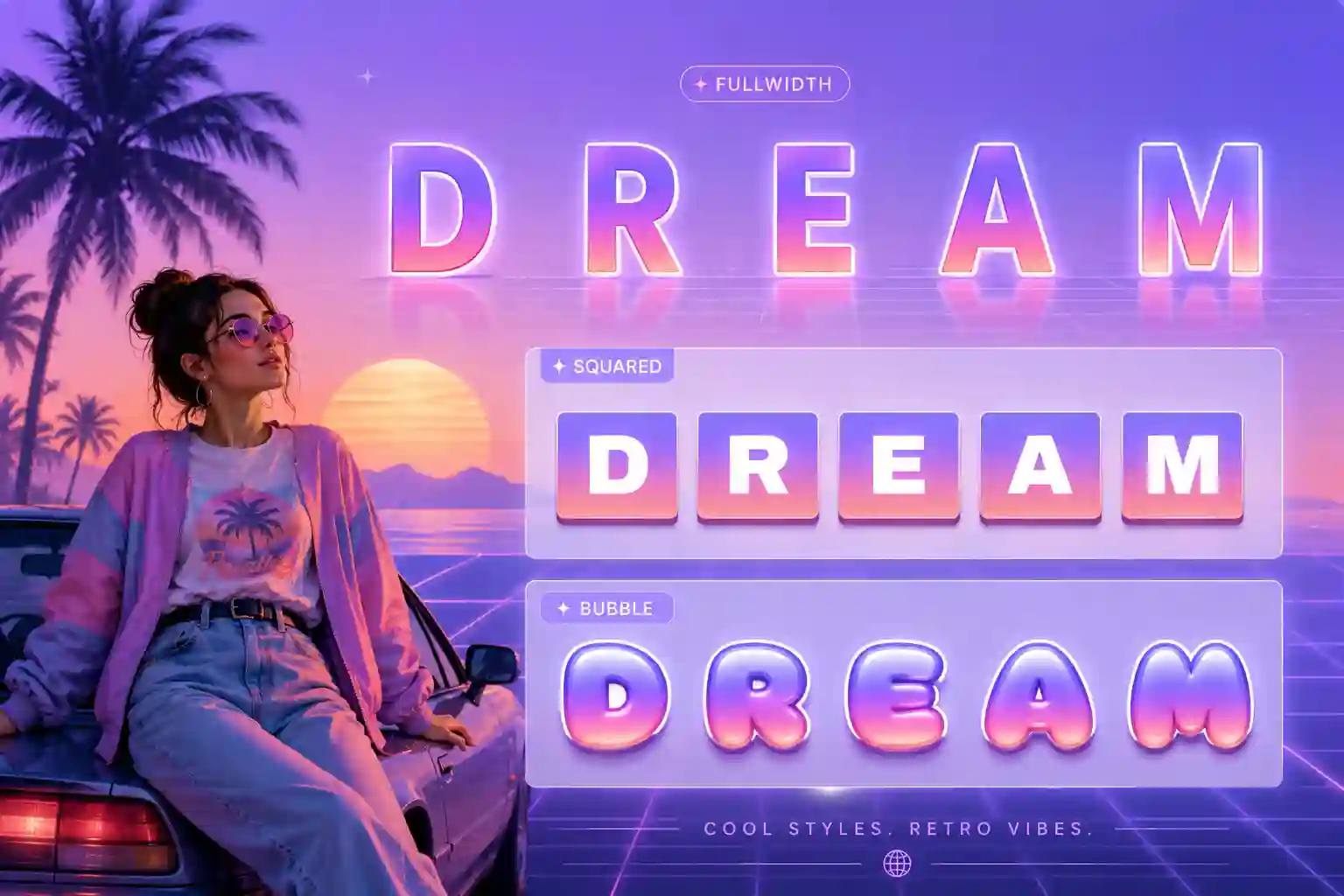
A Roblox font generator turns ordinary text into Unicode characters you can paste into Roblox. Players use it to give display names, group names and game descriptions a distinctive look that the standard keyboard can't produce.
Roblox filters text heavily, especially for younger accounts, so not every decorative style will pass. The styles here lean toward clean, bold and wide looks that are more likely to be accepted while still standing out in a server full of default names.
How to get Roblox fonts: 3 steps
1. Type
Enter your username, group or game name above.
2. Choose
Pick a cool, bold or wide style from the previews.
3. Copy & paste
Tap Copy and paste it where Roblox allows custom text.
Ready-to-copy Roblox name examples
Cool, gamer-leaning styles generated live for Roblox display names and groups:
These are static samples. Type your own word in the box above to generate fresh styles you can copy in one tap.
Where to use Roblox fonts
- Display name, the headline of your profile, a styled name reads as more experienced.
- Group names & descriptions, help a community look organised and branded.
- Game titles & descriptions, a stylish title can earn more clicks on the discover page.
- Chat, where the filter allows it, for a quick flourish.