Tweets · Bio · Name · Replies
Twitter (X) Font Generator
Make your tweets, bio and name on X (Twitter) stand out with stylish fonts. Type below, copy your favourite, and paste it into X. Free and instant. Or browse every style on the main font generator.
Tap Copy next to any style. Nothing you type is stored or sent anywhere.
What is a Twitter (X) font generator?
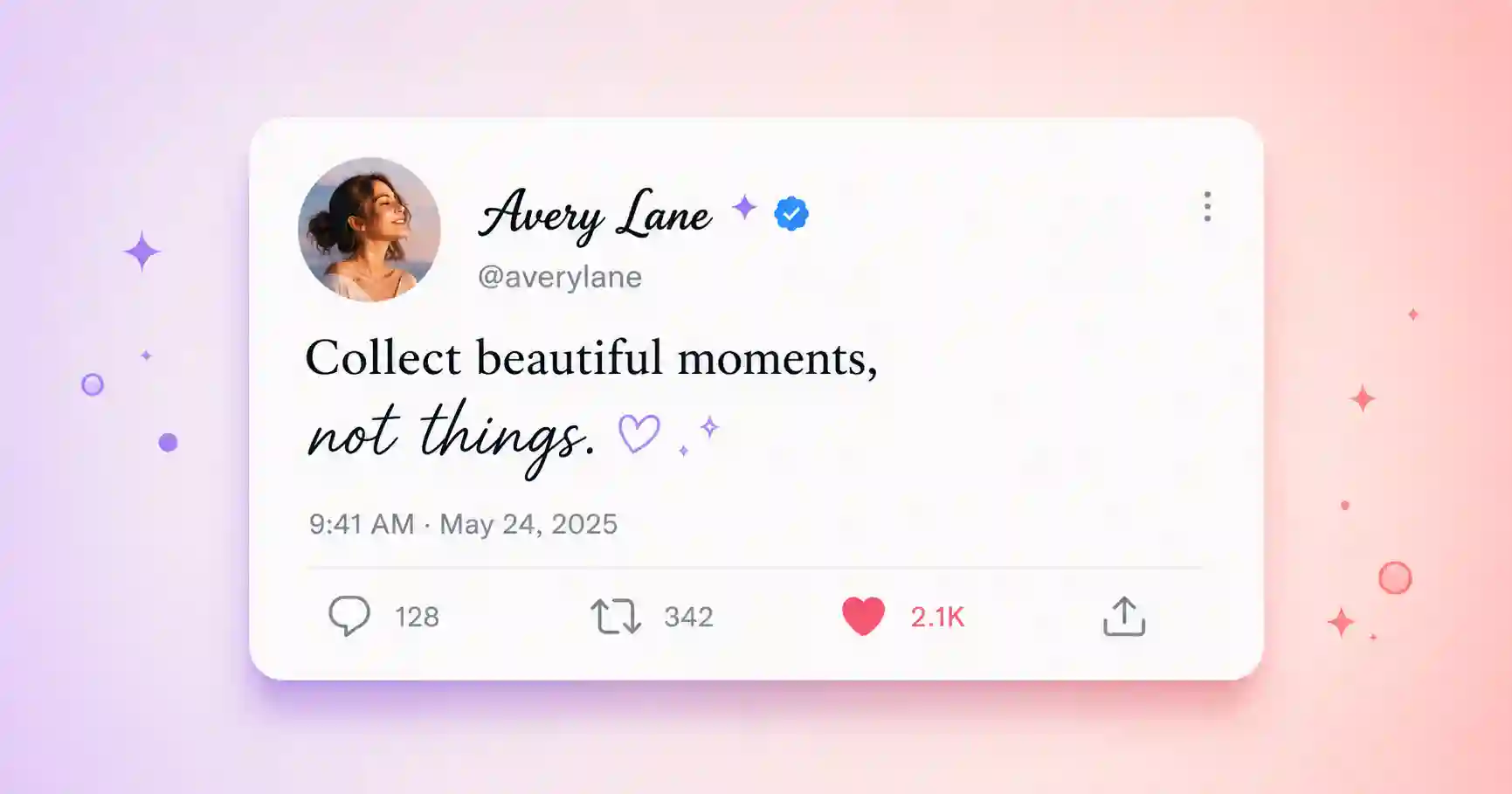
X (Twitter) has no setting to change your font, so a font generator uses Unicode characters instead. You type your text, the tool swaps each letter for a styled lookalike, and you copy and paste it into a tweet, reply or bio. X keeps the look because the styling is part of the characters.
You get the full set of styles, from bold and cursive to small caps and gothic, so your tweets and profile match your tone.
How to use fancy fonts on X (Twitter)
1. Type & copy
Type your text above and tap Copy next to a style.
2. Open X
Start a tweet or reply, or edit your profile.
3. Paste & post
Paste the styled text and post it.
Where to use fonts on X (Twitter)
- Tweets and replies, to make your posts pop in the timeline.
- Display name, the name shown above your @handle.
- Bio, to give your profile a distinctive feel.
- Pinned posts, for a standout first impression.
Related font generators
Ready-to-copy X (Twitter) font examples
Styles generated live to make a tweet, name or bio stand out on X:
These are static samples. Type your own word in the box above to generate fresh styles you can copy in one tap.
Twitter (X) fonts FAQ
How do I use a fancy font on Twitter (X)?
Do fancy fonts work in tweets and the bio?
Can I change my X handle to a fancy font?
Do styled characters use more of the tweet limit?
Is the Twitter (X) font generator free?
Where to go next
On X, styled text is mostly about the display name and bio — a bold or full-width vaporwave name stands out in a fast-moving timeline. Small caps read surprisingly well in bios, and strikethrough is a whole genre of joke on the platform. One caution: heavily styled tweets can hurt screen-reader accessibility, so use them for flair rather than full sentences. Compare every option at the fancy text generator.