TikTok · Bio · Username · Captions
TikTok Font Generator (Copy & Paste)
Make your TikTok profile stand out with stylish fonts you can paste straight into your bio, display name and video captions, instantly and free. Want every style in one place? Use the all-in-one font generator.
Tap Copy next to any style. Nothing you type is stored or sent anywhere.
What is a TikTok font generator?
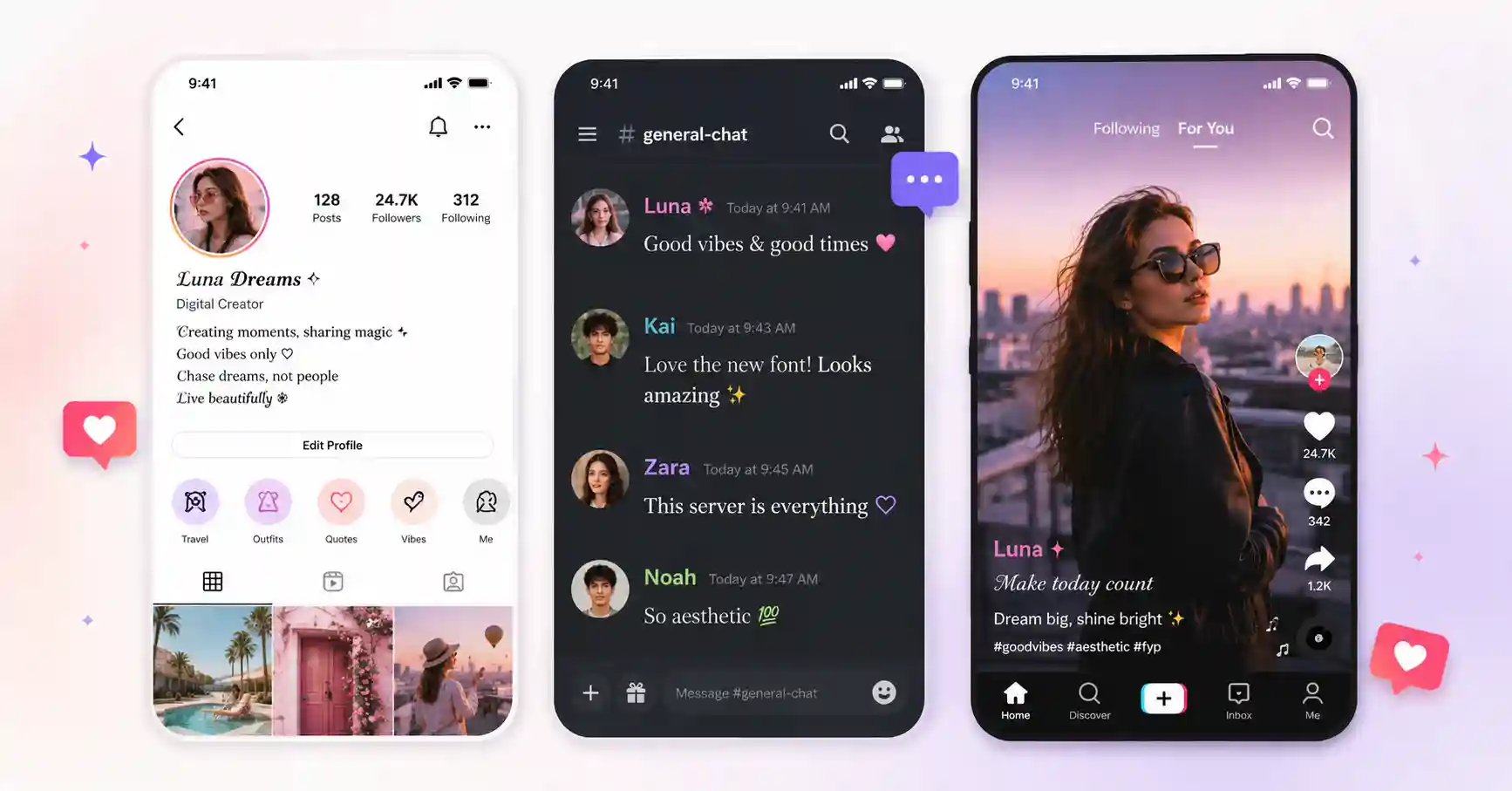
A TikTok font generator turns the plain text you type into stylish Unicode characters that you can copy and paste anywhere on TikTok. TikTok doesn't include a built-in font picker, so creators use these copy-paste styles to give their bio and display name a look that the app can't produce on its own.
Because the styling lives inside the characters themselves, your fancy text keeps its appearance when you drop it into your bio, your username or a caption. The same trick that works for an Instagram bio works on TikTok too, so you can keep one consistent aesthetic across both profiles.
How to get TikTok fonts: 3 steps
1. Type
Enter your name, handle or caption in the box above.
2. Pick a style
Scroll the live previews, from cursive to sparkly aesthetic looks.
3. Copy & paste
Tap Copy, open TikTok, and paste it into Edit profile or a caption.
Ready-to-copy TikTok font examples
A few styles that are popular for TikTok bios and names, generated live by the tool:
These are static samples. Type your own word in the box above to generate fresh styles you can copy in one tap.
Where to use TikTok fonts
- Bio, the single most common spot, a styled bio reads as more intentional and on-brand.
- Display name, a fancy name helps your profile stand out in comments and duets.
- Captions & comments, a touch of bold or cursive can make a hook pop in a busy feed.
- Cross-posting, reuse the same look on your Instagram and YouTube profiles.