YouTube · Channel · Titles · Comments
YouTube Font Generator (Copy & Paste)
Give your YouTube channel name, descriptions and comments a stylish edge with copy-paste fonts, free and instant. Prefer to see every style at once? Use the main font generator.
Tap Copy next to any style. Nothing you type is stored or sent anywhere.
What is a YouTube font generator?
A YouTube font generator converts your text into Unicode characters that look bold, fancy or decorative, so you can copy and paste them into parts of YouTube that don't offer formatting, like your channel name, your description or a comment.
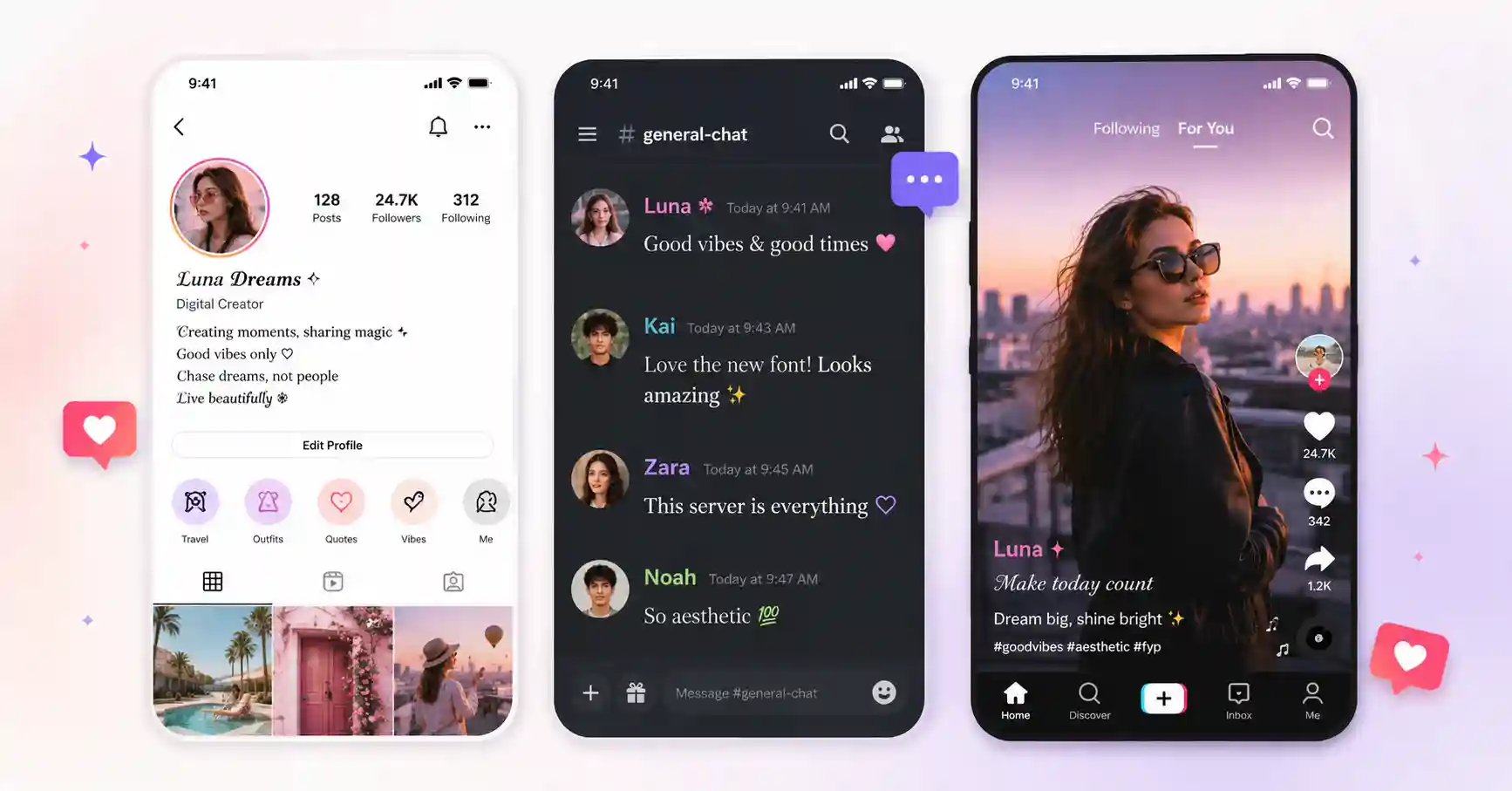
Creators use it to make a channel feel more polished and to make comments stand out under popular videos. Because it's Unicode and not an installed font, the look travels with the text, the same styles you use here also work on your Instagram and TikTok profiles.
How to get YouTube fonts: 3 steps
1. Type
Enter your channel name, title or comment above.
2. Choose
Pick from bold, gothic, fancy and clean styles.
3. Copy & paste
Tap Copy and paste it into YouTube Studio or a comment.
Ready-to-copy YouTube font examples
Styles that work well for channel names, titles and comments, generated live:
These are static samples. Type your own word in the box above to generate fresh styles you can copy in one tap.
Where to use YouTube fonts
- Channel name & handle, a clean bold or fancy style makes a brand feel intentional.
- Channel description & About, add headers and emphasis the editor can't.
- Comments, a styled comment stands out and can earn more replies and likes.
- Community posts, bold a key line to draw the eye.