Valorant · Riot IDs · Taglines · Clan Style
Valorant Name Generator (Riot IDs & Taglines)
Valorant is the rare competitive shooter that lets you go fully fancy: Riot IDs accept gothic, script and symbol-framed Unicode. Generate a style below, then pair it with a tagline that completes the look. Part of the gaming fonts hub.
Tap Copy next to any style. Nothing you type is stored or sent anywhere.
Why Valorant names can be fancy when Fortnite’s can’t
Riot built its account system around a global player base, so the Riot ID accepts characters from essentially any script — Korean, Arabic, Japanese and, usefully for us, the mathematical and decorative Unicode blocks that font generators use. A name like 𝕭𝖊𝖗𝖔 saves as easily as “Vero”. Compare that with Fortnite, where Epic strips anything beyond basic characters, and you can see why Valorant lobbies look so much more stylised.
The structure is two parts: the name (3–16 characters, what everyone sees) and the tagline (3–5 characters after the #). Only the name renders in the killfeed, so spend your style budget there and keep the tagline crisp.
How to change your Riot ID: 3 steps
1. Generate
Type your name above and copy a style you like.
2. Sign in
Go to account.riotgames.com → Riot ID.
3. Paste & save
Paste the styled name, set a tagline, save. Free every 30 days.
Name + tagline combos that look intentional
The tagline is the most under-used styling surface in Valorant. Five patterns that elevate a name:
Static examples — the generator above styles your own name live.
Readability is a competitive stat
In a tac shooter your name appears in the killfeed dozens of times a match — it’s your reputation in that lobby. Heavily stacked zalgo reads as noise and often gets flattened by the UI anyway; a clean blackletter or bold script stays legible at killfeed size while still looking styled. The test: shrink your generated name to the smallest text you can read on your phone. If you can’t identify it instantly, your enemies can’t either — and neither can the teammate trying to call out your play.
Related font generators
Common Valorant naming mistakes
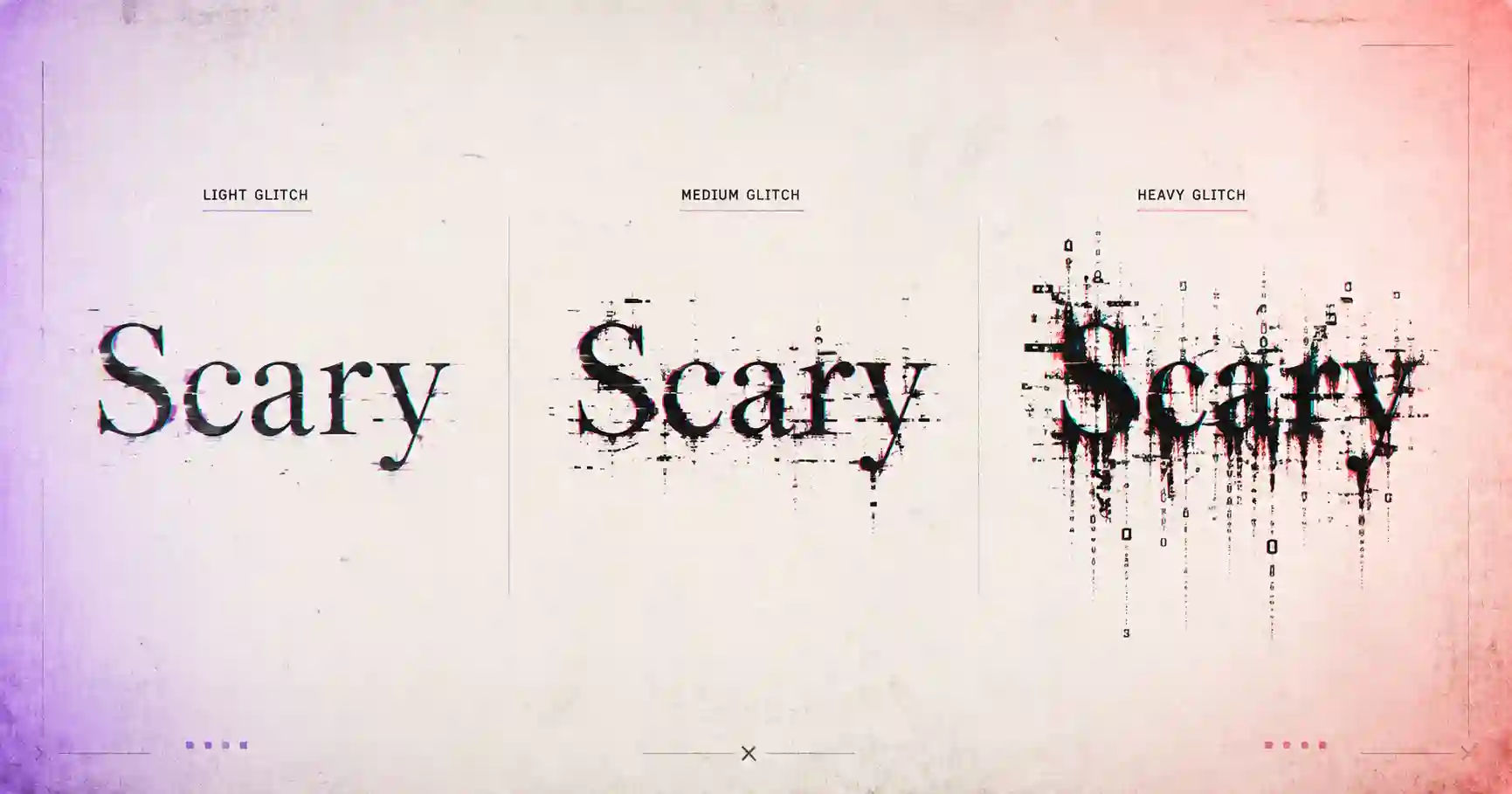
- Stacking zalgo until it clips — Riot renders combining marks, but the killfeed crops tall stacks and the result reads as a rendering bug, not a style. Light glitch only.
- Spending all 16 characters — a styled 14-character name wraps awkwardly on the scoreboard. The best-looking Riot IDs run 4–8 characters plus one frame.
- Ignoring the tagline — leaving the default region tag when a matching custom tagline costs nothing is a wasted style slot.
- Lookalike-character bans — the profanity filter checks visually similar Unicode, so a “disguised” word gets rejected just like the plain one. Don’t burn your 30-day cooldown testing it.
- Renaming mid-competitive-run — teammates and rivals track you by name; changing it during a ranked grind resets the reputation you were building in that MMR band.
One more habit worth keeping: when you find a style you love, save the raw styled string in your notes. Riot IDs are free to change every 30 days, and having last season’s exact string means you can rotate styles seasonally and always return to the classic.
Frequently asked questions
Does Valorant allow fancy fonts in names?
How do I change my Valorant name?
What is the Valorant tagline?
Why was my stylish name rejected?
Do fancy Valorant names show in the killfeed?
Where to go next
Valorant’s freedom means every style on this site is in play: browse gothic letters for the classic look, glitch text for something unsettling, or the gaming symbols library for team frames. Carry the same identity into your Discord and TikTok, and compare how other games’ filters stack up at the gaming fonts hub.